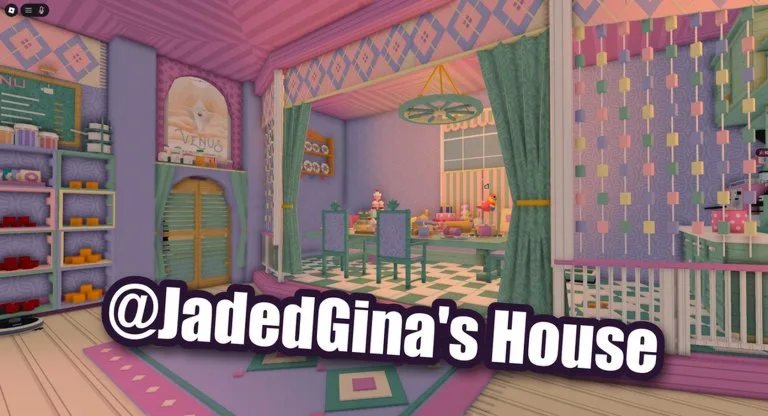
The official description says you level up and unlock more rooms to decorate. Full House is awarded for unlocking every room in the default house. It does not say you must own every Exclusive item, and it does not publish a room list or a cash price per door.
What is confirmed
- More rooms open as you progress. The experience text ties that progress to leveling.
- Full House checks the default house only.
- A player tutorial titled “How to get more houses and rooms in Grab and Decorate” shows that houses beyond the starter home are part of what players demonstrate. This wiki does not have an official price list or house names, so those details stay in the video until a patch note names them.
- Furniture codes do not unlock rooms. They only give you pieces to put down after a room opens.
A practical expansion pass
- Finish one starter room with BEGINNER tables and a clear path. See decorate and paint.
- Keep smashing until the next room or house prompt appears. If trucks have become slow, upgrade the weapon first.
- Give the new space one job: seating, display, or the Thanksgiving set. Place one large piece and two mid pieces in the same session.
- Do not drag every old decoration into the new room. Older rooms should stay readable.
- Repeat until the default house has no locked room left. That is the Full House condition as written.
Mistakes that stall the badge
Leaving a new room empty makes the next unlock feel pointless. Spending the entire wallet on Mall accents while the weapon is still weak slows both cash and levels. Treating Exclusive furniture as a requirement for Full House is not supported by the badge text.
Next
Track the rest of the account goals on the badge catalog. If you are choosing a pet versus another room, read pets.